

Production Maintenance Complete for Sunday, Oct. 25, 2026
All enterprise and business applications are in service at this time.
Portal Status: Green



Not every question you ask ChatGPT needs the same amount of horsepower behind it. Drafting a quick email is a different job than debugging a tricky spreadsheet formula or working through a multi-step problem, and ChatGPT lets you choose how much effort goes into each answer.
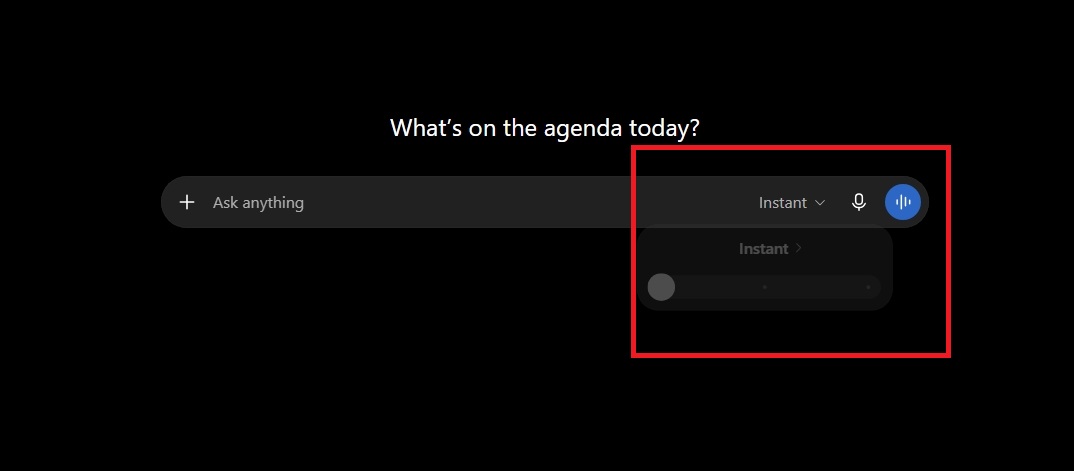
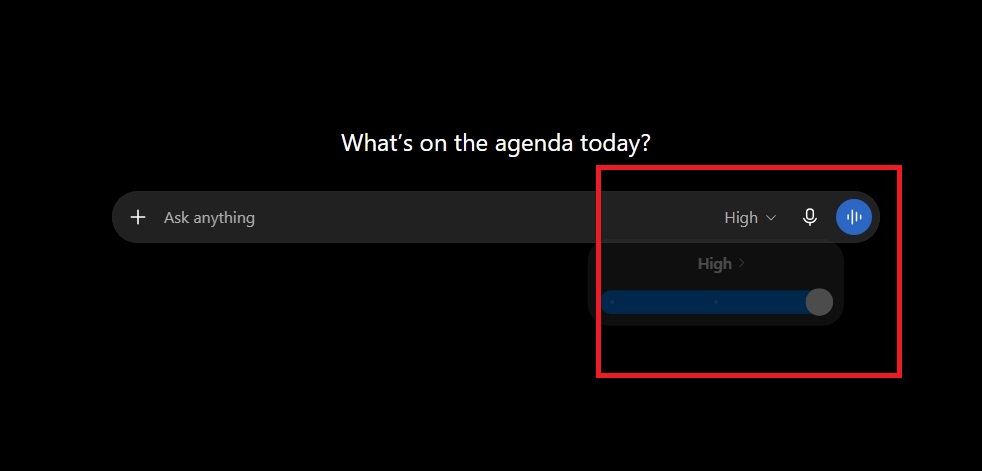
In the model options, you'll typically see a fast option (often labeled Instant) and one or more advanced reasoning options (often labeled High). Knowing when to use each one can save you time and get you a noticeably better answer on the tasks that need it.
As you utilize ChatGPT or other AI tools in your daily work, ensure you are adhering to CU’s policies and governance:
Instant responds in just a few seconds, giving you a quick, direct answer without pausing to reason step by step. It's the right choice for:
High mode takes longer — anywhere from several seconds to a minute or more — because it works through the problem step by step before answering. It's worth the wait for:
Leave it on Instant and read the response. If you notice ChatGPT struggling with the task, that's usually your cue to switch to a higher thinking mode.

Add new comment