When to use a fast model vs. an advanced model in ChatGPT [1]
Not every question you ask ChatGPT needs the same amount of horsepower behind it. Drafting a quick email is a different job than debugging a tricky spreadsheet formula or working through a multi-step problem, and ChatGPT lets you choose how much effort goes into each answer.
In the model options, you'll typically see a fast option (often labeled Instant) and one or more advanced reasoning options (often labeled High). Knowing when to use each one can save you time and get you a noticeably better answer on the tasks that need it.
AI Considerations
As you utilize ChatGPT or other AI tools in your daily work, ensure you are adhering to CU’s policies and governance:
- Review the Responsible Use of Artificial Intelligence (AI) APS [3].
- Only work with Public and Confidential data while using AI, including access through a plugin or an extension. Review CU’s Data Classification policies [4].
- AI-generated content may be considered a public record under the Colorado Open Records Act (CORA) [5]. Be thoughtful of CORA policies when determining if an AI tool is appropriate to use.
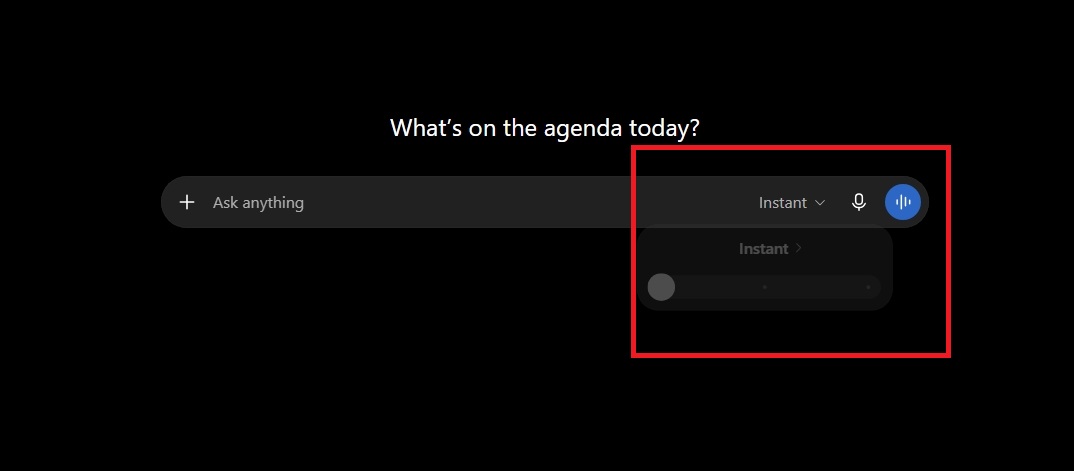
When should I use the fast (Instant) model?
Instant responds in just a few seconds, giving you a quick, direct answer without pausing to reason step by step. It's the right choice for:
- Drafting or rewriting an email.
- Quick summaries of a short document.
- Simple questions with a clear, factual answer.
- A first pass at brainstorming ideas.
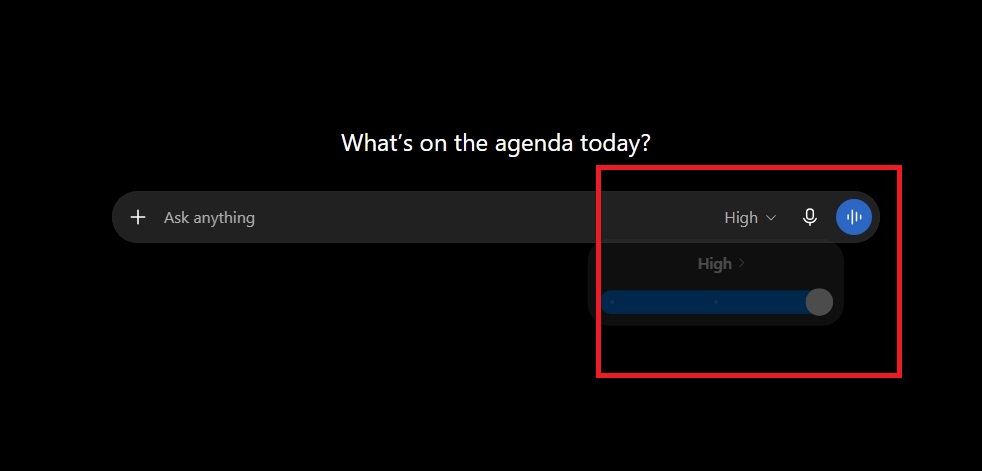
When should I use the advanced (High) model?
High mode takes longer — anywhere from several seconds to a minute or more — because it works through the problem step by step before answering. It's worth the wait for:
- Debugging code or troubleshooting a technical issue.
- Reviewing or analyzing a complicated document, like a contract or dataset.
- Multi-step math, logic or planning problems.
- Research or analysis where accuracy matters more than speed.
What if I'm not sure which one to pick?
Leave it on Instant and read the response. If you notice ChatGPT struggling with the task, that's usually your cue to switch to a higher thinking mode.