UIS Alert: (Identified) UIS has identified an issue affecting access to Campus Solutions via the Enterprise Portal. See email for additional details.
Service Status: Amber



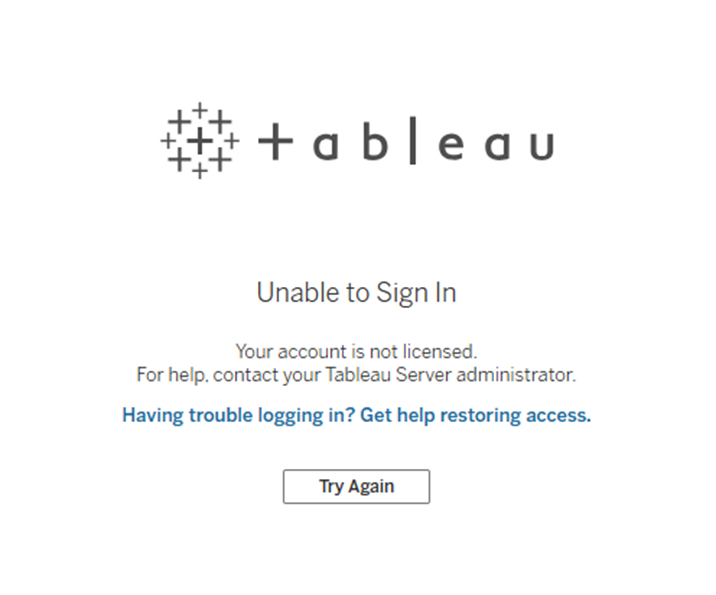
If you encounter this error above, these are the common reasons:
"Not licensed" means your user account does not have one of these roles:
Terminology: User Role - This is the permission level given to each person (Server Administrator, Site Administrator, Explorer Can Publish, Explorer, Viewer). It determines what actions they can perform on Tableau Server.
If your account shows a “Not Licensed” message when you try to sign in, refer to the role explanations on the main Tableau Access page.
Your Tableau Server access may be demoted after 365 days of inactivity. This can affect your ability to sign in.
User Role is demoted due to inactivity.
Terminology: Inactive Tableau Account – A user who has not accessed Tableau Server within the past 365 days is designated Inactive, and their account is automatically set to Unlicensed.
UIS sends 3 warning emails and 1 additional final email before an account is automatically set to Unlicensed/Not Licensed. Search your inbox for warning emails from no-reply-irm@cu.edu, to find the site name in the subject line of the email.