

All UIS enterprise and business applications are in service at this time.
Service Status: Green



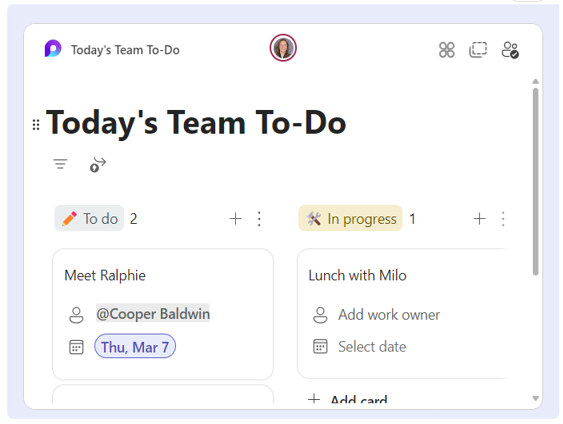
In Microsoft Teams, when you send a Loop component, everyone in your chat will be able to edit it inline—and see changes instantly.
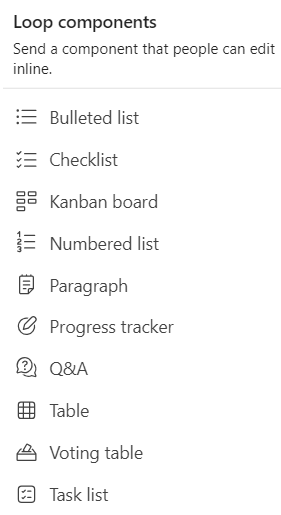
You can choose a paragraph, table, checklist, or other component to help focus your team on tasks like co-authoring content, compiling data, or tracking next steps. You’ll be able to collaborate right inside your message, minimizing the need for long chat threads.


Add new comment