




Open Enrollment closed at 5 p.m. May 8
Review this site to learn about changes for the plan year beginning on July 1.
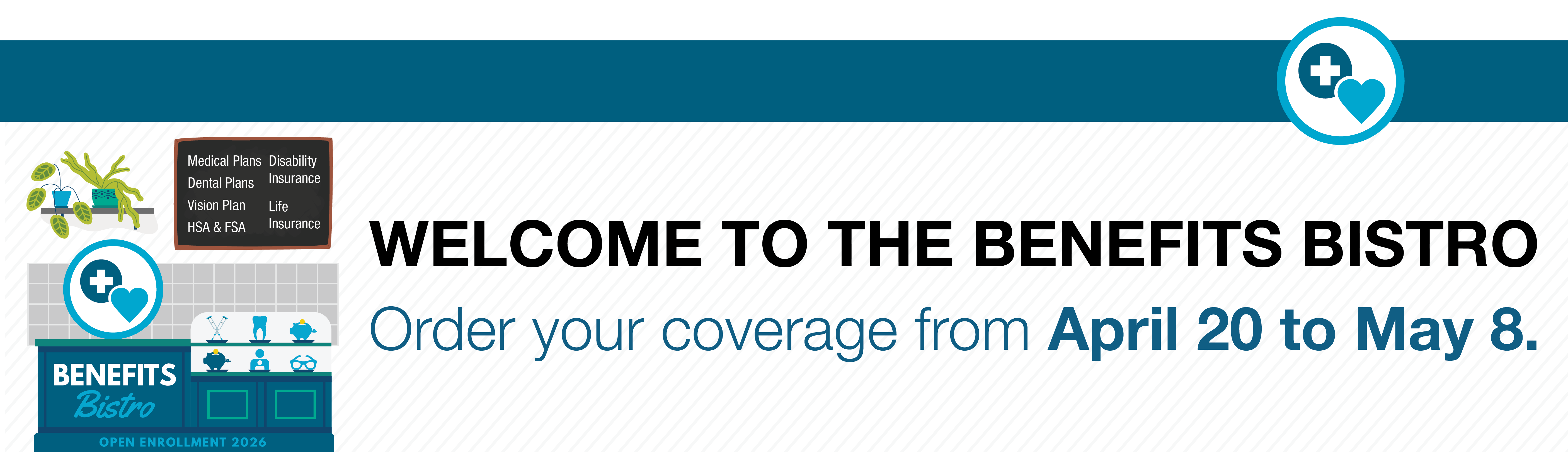
Open Enrollment: See the menu and order your coverage
Open Enrollment is your annual opportunity to make changes to your CU benefits without experiencing a qualifying life event. This year’s enrollment window runs from 8 a.m. April 20 through 5 p.m. MT May 8.
Flexible Spending Account (FSA) enrollees must take action
If you want to participate in a Health Care FSA or Dependent Care FSA for the 2026–27 plan year, you must actively enroll or reenroll during Open Enrollment — even if you plan to keep the same contribution amounts. FSAs do not automatically renew.
Optional term life insurance enrollment opportunity
During this Open Enrollment period, a special opportunity is available for Optional Term Life coverage as The Standard Insurance Company temporarily waives the usual Evidence of Insurability (EOI) requirement for the new Guaranteed Issue amounts. Normally, employees are required to submit a medical history statement to opt in or increase coverage outside their initial eligibility period. Learn more in the optional term life insurance special enrollment period blog post. Learn more about this opportunity and other changes in the Work/Life post.
Keeping or changing your benefits
If you take no action, you will automatically be reenrolled in your current benefit elections (except FSAs) at the end of Open Enrollment. If you wish to make changes, resources and comparison tools are available below to help you review and compare your options.
Review monthly premiums for the coming plan year to stay up-to-date on plan costs.
Select a tile to see plans available to you
Build your benefits selection with courses, fairs and more
Benefits Toolkit
This toolkit can answer the most common questions about your medical coverage and guide your plan selection decisions during Open Enrollment.
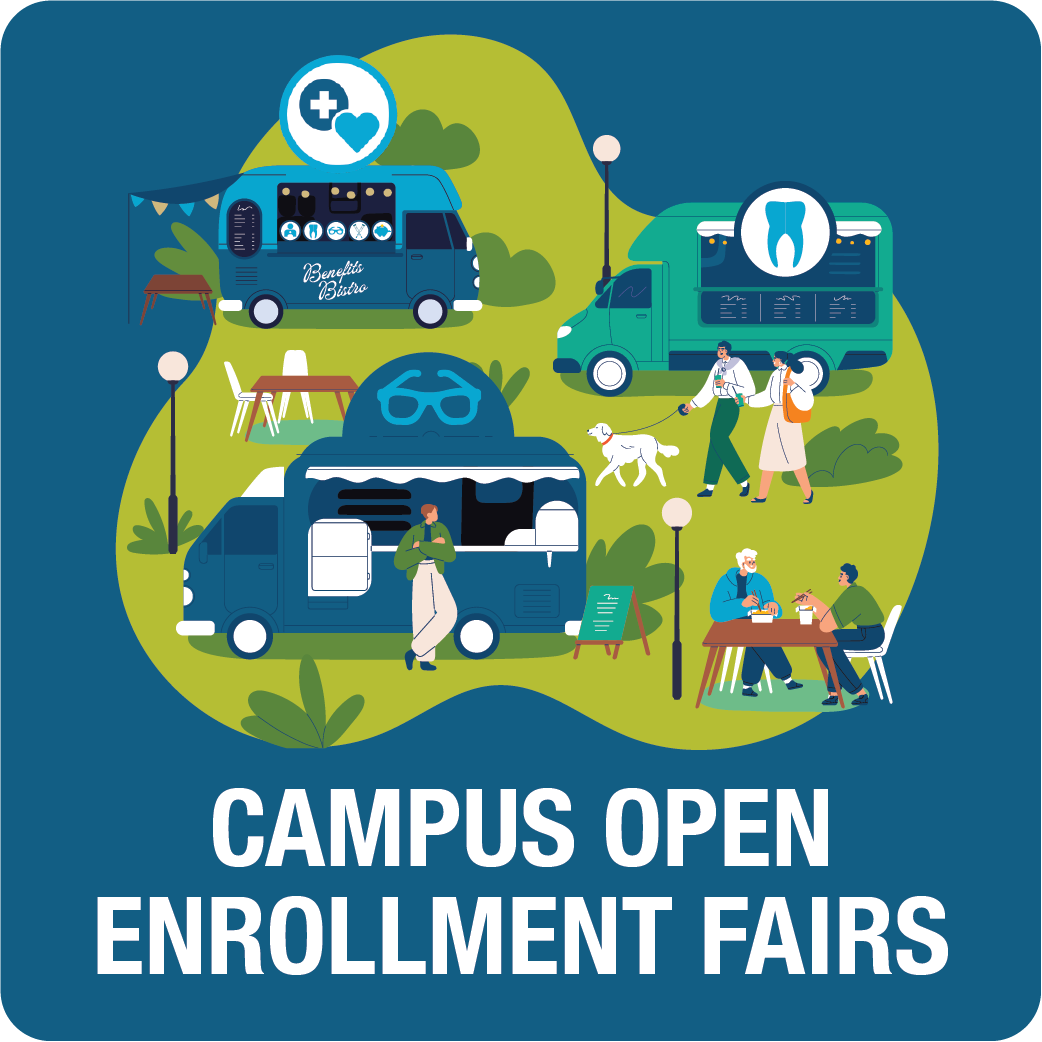
Campus Open Enrollment Fairs
Explore your benefits and meet with representatives from Employee Services and CU's health plan providers at campus fairs.
Open Enrollment Courses
Watch on-demand courses and presentations from CU's benefits providers.
Additional resources


Contact Benefits
Have a question? We can help! Contact your CU benefits professionals.
- Phone: 303-860-4200, option 3
- Toll-free: 1-855-216-7740, option 3
- Hours: 9 a.m. to 5 p.m. Monday to Friday
- Email: benefits@cu.edu
Brand new to CU?
If you are newly hired at CU, you have some additional steps to take during Open Enrollment.