New Percipio feature makes annual course completions easier [1]
If you complete required Skillsoft Percipio courses each year, a new feature will make the process more streamlined.
Percipio has added functionality that allows recurring courses to automatically restart and update the completion date for employees who take courses annually. Instead of navigating workarounds to retake a completed course, learners will now receive a prompt to restart when applicable.
Below is a guide to understanding course statuses and what action to take.
How to read your course status
Each Percipio course displays a status on its description page. That status determines how you should proceed.
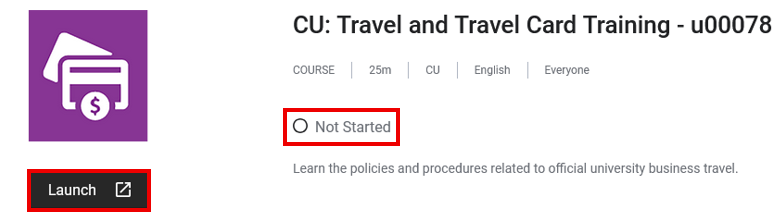
Not Started
The course has never been taken.
1. Click Launch.
2. Complete the course.
Started
The course was started but the quiz was not completed or not passed.
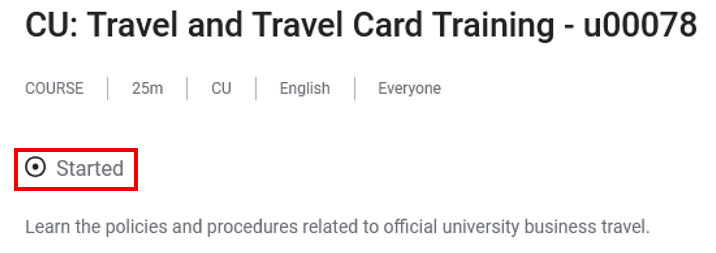
1. Click Launch.
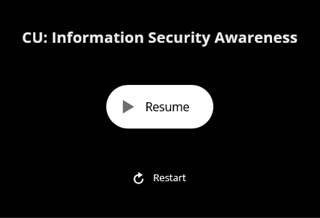
2a. If you did not complete the quiz, select Resume to continue where you left off.
2b. If you completed the quiz but did not pass, select Restart to start the course from the beginning.
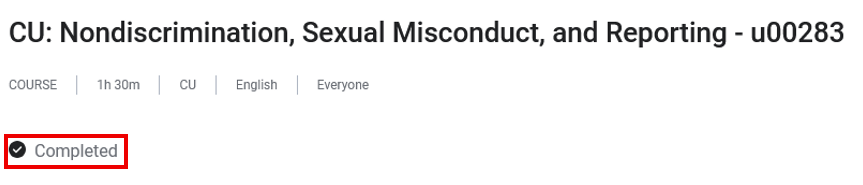
Completed
The quiz was passed and the Close Course button was selected.
To restart a recurring annually required course:
1. Click Launch.
2. A message will prompt you to restart the course. Click Restart content.
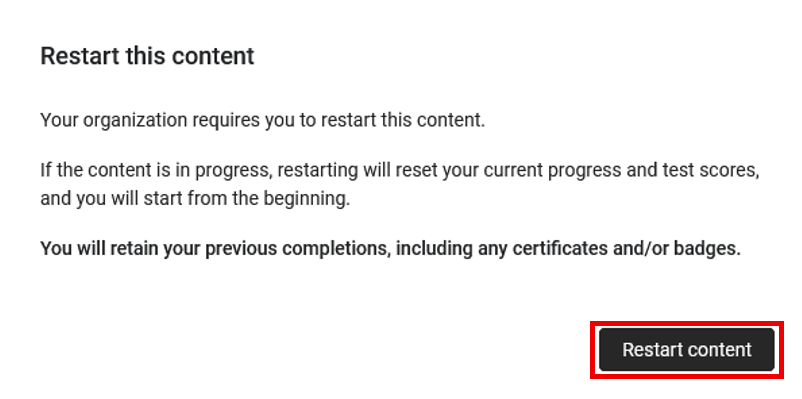
3. The course status will update to Restarted.
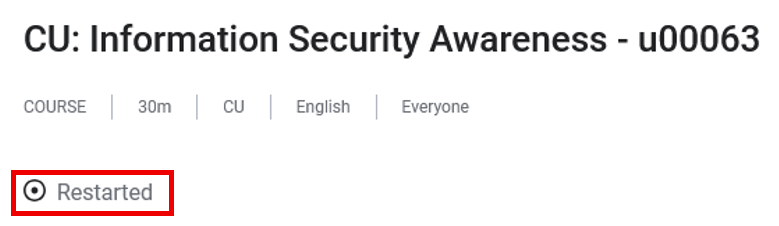
4. Click Launch again and complete the course.
If you cannot complete the course in one session, follow the steps in the Started section when returning.
Questions?
If you have questions or experience issues, email system.training@cu.edu [3] for support.